UX/UI DESIGNER CHIANG MAI · TH OPEN TO FULL-TIME

Design
that gets
out of
the way.

UX/UI Designer who turns complex health and genetic data into reports and apps anyone can understand — 4+ years at Geneus Genetics.

EXPERIENCE
4+ YEARS
PRODUCTS SHIPPED
12+
WORK MODE
REMOTE / RELOCATE
AVAILABILITY
1-MONTH NOTICE
01 — WORK

Selected
work

Four end-to-end products — landing pages, reporting systems, mobile apps and partner back-offices.

[01] CASE STUDY

GeneusDNA

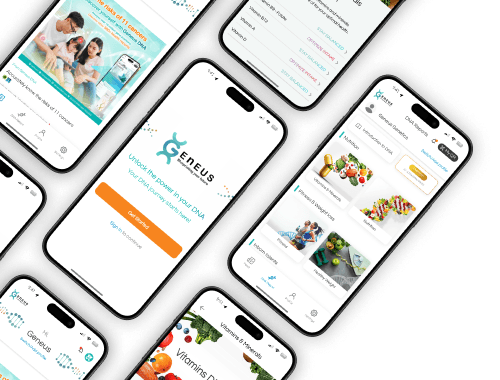
Turning complex genetic data into an experience anyone can understand — a complete digital ecosystem: a landing page that walks people through collecting a saliva sample at home, a report system that turns 500+ results into an easy-to-read spectrum slider with gene and marker references, and a mobile app for tracking health over time.

SCOPE Landing page
SCOPE Reports
SCOPE Mobile app
View case study
GeneusDNA mobile app screens on several phones FIG. 02
[02] PROJECT

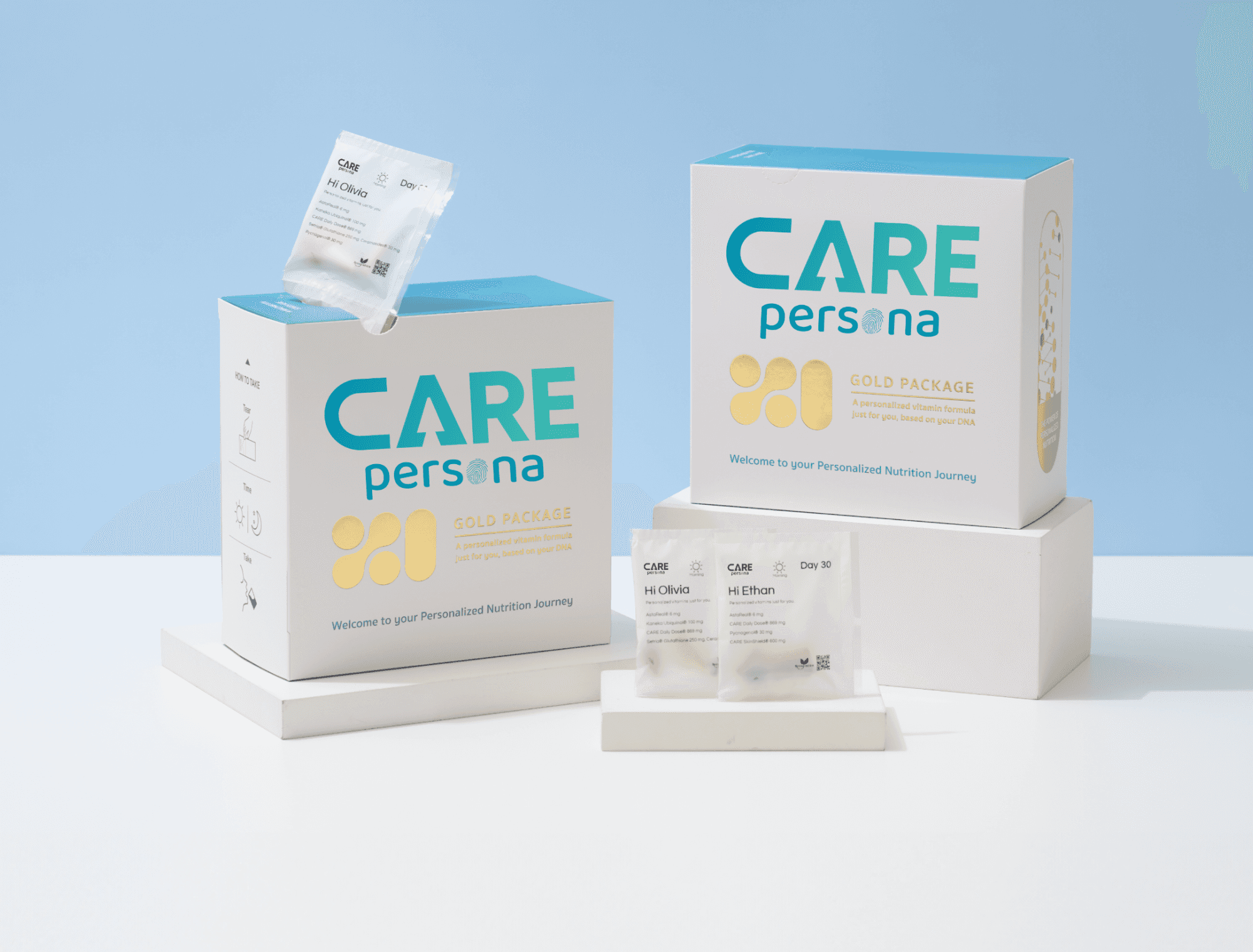
CARE persona

A personalized health-care experience designed around trust — a smooth user journey from the health assessment to progress tracking in the mobile app.

SCOPE Landing page
SCOPE Mobile app
SCOPE Health
View project
CARE persona product packaging FIG. 03
[03] CASE STUDY

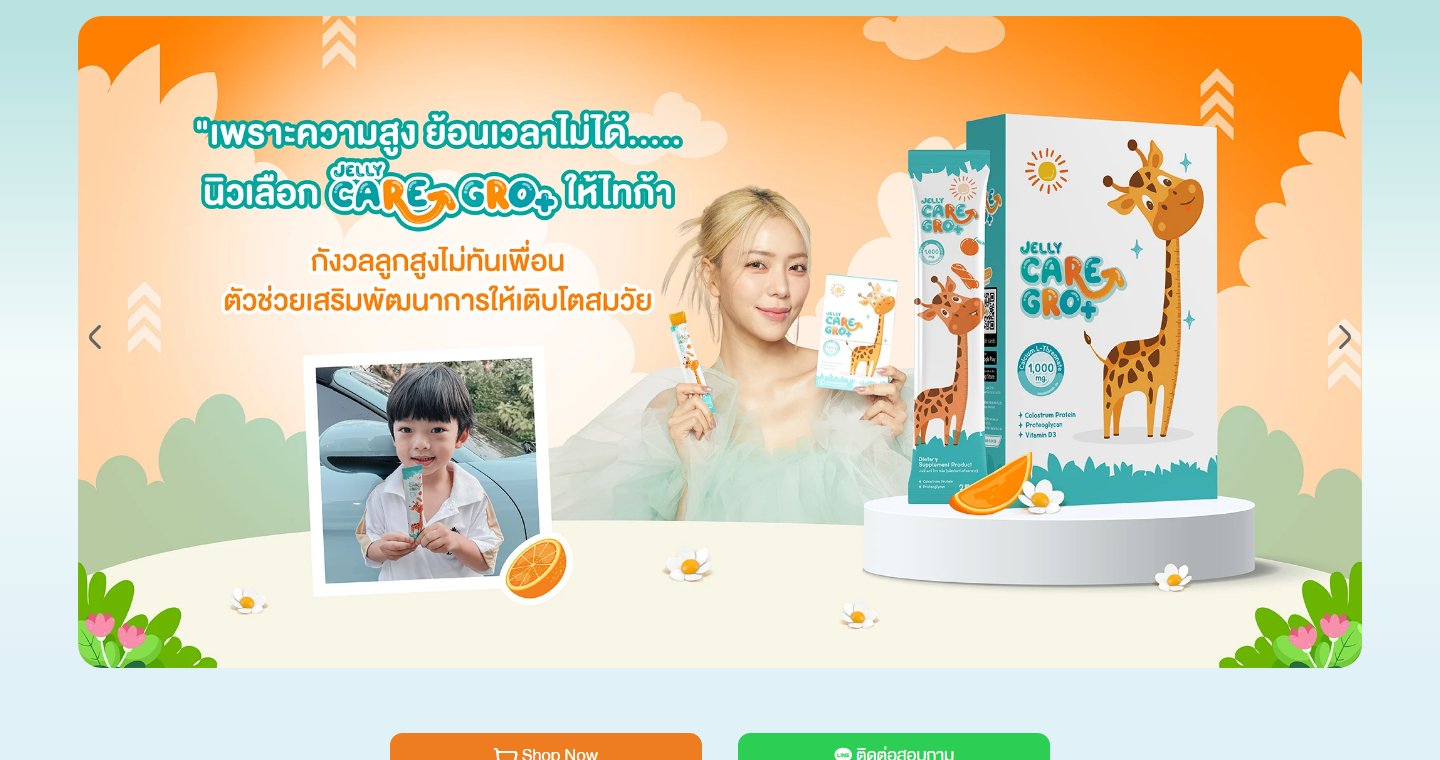
Jelly CARE

Pairing a bright, playful brand with a powerful ordering system — a fun website plus a partner back-office that is easy for partners to use.

SCOPE Landing page
SCOPE Partner backend
SCOPE System
View case study
Jelly CARE website hero banner FIG. 04
[04] CASE STUDY

Geneus Pet

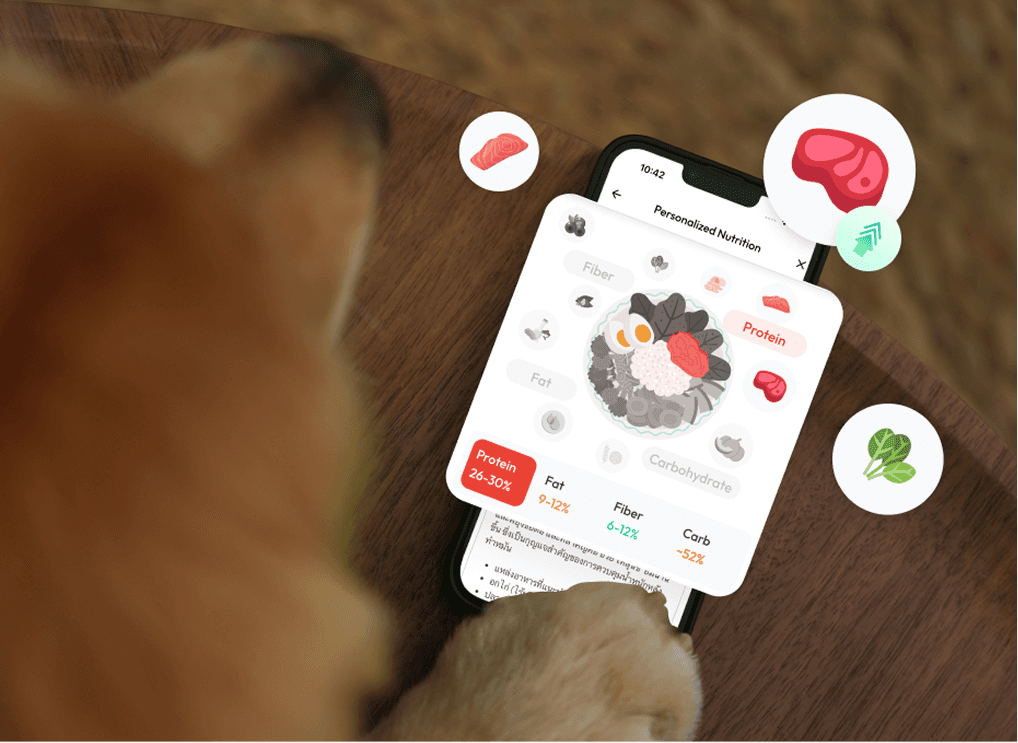
Where DNA technology meets a love of pets, in a friendly interface — a mobile app and a pet-health report system built on clear visual hierarchy.

SCOPE Landing page
SCOPE Reports
SCOPE Mobile app
View case study
Geneus Pet app on a phone FIG. 05
02 — ABOUT

With 4+ years in UX/UI design and a telecommunications engineering background, I work between research, design and code — rewriting expert findings into plain language, and handing developers specs they can build without guessing.

Mobile App Design
Web Design
Design Systems
Prototyping
AI-assisted Workflow
Dev Handoff
03 — PROCESS

How I work

A repeatable process that keeps every project grounded in real user needs — from first goal to final pixel.

  1. [01]

    Goals & Objectives

    Defining project aims and target outcomes to guide design.

  2. [02]

    Research

    Understanding user needs and market trends so every decision rests on evidence.

  3. [03]

    Wireframe

    Translating ideas into rough visuals and structural outlines.

  4. [04]

    Prototyping

    Crafting interactive models to visualize and refine concepts.

  5. [05]

    Finalize Design

    Incorporating feedback and polishing design for launch.

04 — AI × HANDOFF

AI in my
workflow

I use AI to cut repetitive work in Figma, leaving more time for UX — and to make every handoff to developers complete, clear and smooth from design to code.

  1. Figma
  2. AI assist
  3. Structured spec
  4. Dev ready
[01]

Less manual work in Figma

AI handles the repetitive, time-consuming tasks, so files stay organized from the start without fixing layer by layer.

  • Layer naming
  • Auto layout cleanup
  • Variants & states
  • Realistic content
[02]

Higher-quality handoff

Developers get complete, clear information — tokens, component props and every state to support — so less is misread.

  • Design tokens
  • Component props
  • Edge & empty states
  • Interaction notes
[03]

Smooth design-to-dev flow

File structure mirrors code structure, so the team speaks one language — fewer back-and-forths and less rework later.

  • Code-aligned structure
  • Fewer back-and-forths
  • Faster iterations
05 — RECORD

Experience

Geneus Genetics 2022 → NOW
Graphic & UX/UI Designer APR 23 — NOW
Junior UX/UI Designer FEB 22 — APR 23
Greyscale Digital 2021 → 2022
UX/UI Design Intern NOV 21 — JAN 22

Education

Skooldio UX/UI Bootcamp
BATCH 1 · INTENSIVE
RMUTL
RMUTL
B.ENG — TELECOMMUNICATIONS

Software

FigmaFramerLottieAfter EffectsPhotoshopIllustrator